Product · · 5 min read
Chat File Sharing: A Production Guide
Learn how to build secure chat file sharing with object storage, upload progress, private downloads, previews, and realtime message synchronization.
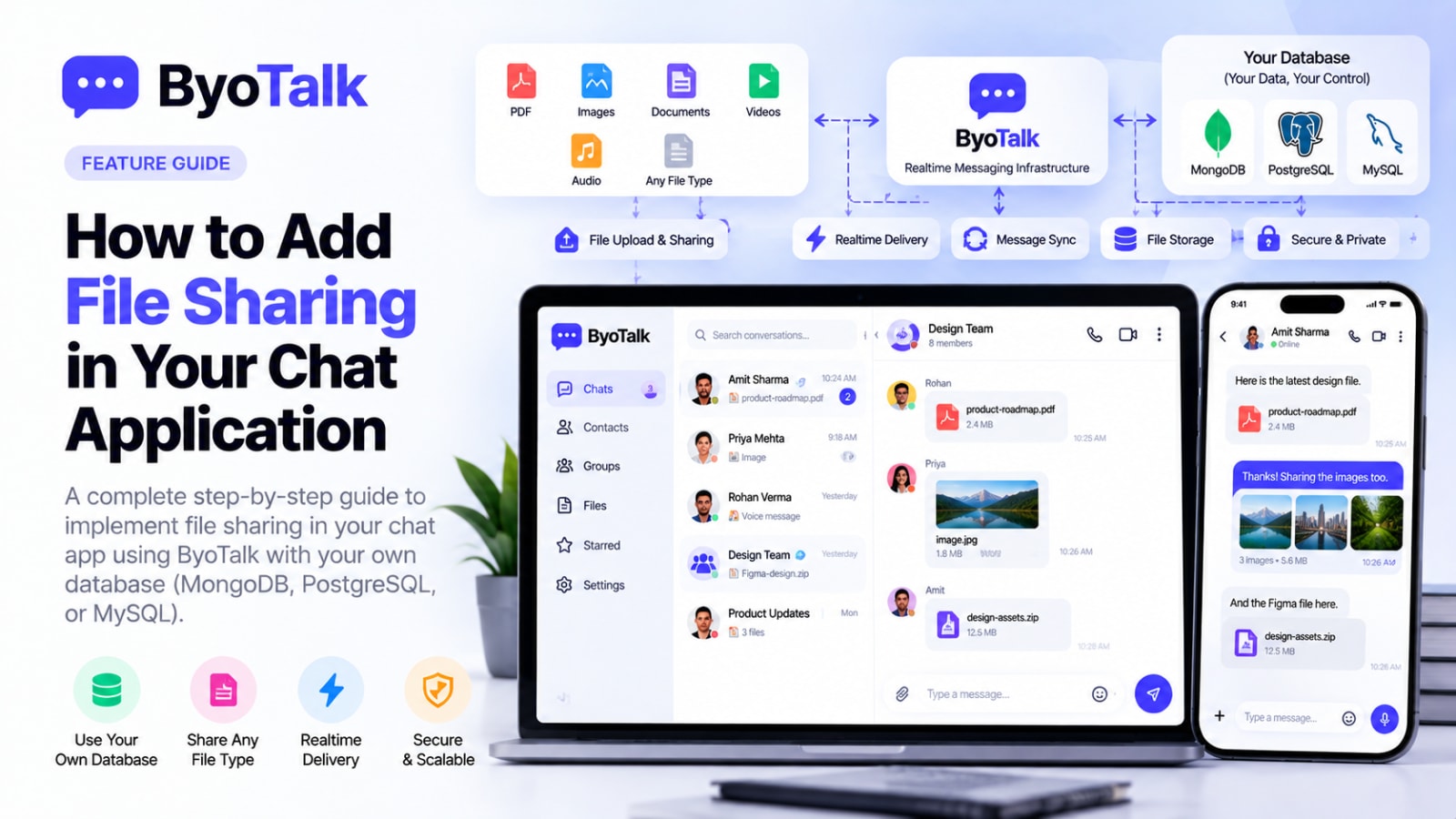
Chat file sharing is one of the most useful features you can add to a modern messaging product. Users expect to send PDFs, images, documents, videos, and other files without leaving the conversation.
The important part is not simply attaching a file to a message. A production-ready implementation needs a safe upload flow, durable file metadata, access control, efficient storage, and realtime delivery of the message that references the file.
How chat file sharing should work
A clean architecture separates the file itself from the chat message.
Your application stores durable message and file metadata in its own database. Object storage keeps the actual binary file. ByoTalk handles realtime delivery and synchronization of the message and its file reference.
A typical flow looks like this:
- The user selects a file.
- Your application validates the file.
- The file is uploaded to storage.
- Your backend creates a file record.
- A chat message references that file.
- ByoTalk delivers the new message to connected participants.
- Recipients see the file preview or download action.
This keeps large files out of the realtime event stream.
Do not send large files through realtime events
Realtime infrastructure is designed for fast event delivery, not for acting as your primary object-storage system.
Instead of putting a large PDF or video directly inside a chat event, upload it to object storage and send a compact reference through the chat system.
The message can contain metadata such as:
- File ID
- Original filename
- MIME type
- File size
- Storage reference
- Thumbnail reference
- Upload status
This makes message delivery faster and keeps the architecture easier to scale.
Choose the right storage layer
Your storage provider should be designed for binary objects and large files. The database should store metadata, not the entire file whenever possible.
A file record can include its owner, conversation, storage key, content type, size, upload timestamp, and access policy.
Keeping storage independent also makes it easier to change storage providers later without redesigning your chat messages.
Validate uploads before accepting them
Never trust the filename or MIME type supplied by a client.
Your backend should validate:
- File size
- Allowed file types
- File extension
- Actual content type where appropriate
- User permissions
- Conversation membership
For public products, consider separate limits for images, documents, videos, and other file categories.
Validation should happen before the file becomes available to other users.
Secure file access
Chat attachments are often private. A user who can access one conversation should not automatically be able to access files from another conversation.
Your backend should verify authorization before returning a private file or generating a temporary download URL.
A useful rule is:
The conversation permission controls the file permission.
This prevents a leaked storage URL from becoming an unintended way to access private chat data.
Use temporary download URLs
For private files, your application can generate short-lived signed URLs when a user requests a file.
The browser or mobile app downloads the object directly from storage instead of routing every byte through your application server.
This can reduce backend bandwidth and improve performance for large attachments.
Add upload progress
Large uploads can take time, especially on mobile networks.
Your chat UI should show an upload state instead of making the user wonder whether anything happened.
Useful states include:
Preparing → Uploading → Processing → Sent
If an upload fails:
Uploading → Failed → Retry
The message should not look successfully delivered while its underlying file is still unavailable.
Generate previews for supported files
Previews can make file sharing much easier to use.
Images can display thumbnails. PDFs can show a document icon or generated preview. Videos can display a poster image. Other file types can fall back to a filename, size, and download action.
Do not require the client to download an entire large file just to determine what it contains.
Keep file messages lightweight
A chat message should reference the attachment rather than embedding the entire object.
For example, conceptually:
message
  id
  conversationId
  senderId
  type: file
  fileId
And the file record can contain:
file
  id
  name
  mimeType
  size
  storageKey
  thumbnailKey
This separation makes the data model easier to query and maintain.
Synchronize file messages in realtime
Once the file has been successfully stored and the message is durable, the realtime layer can notify connected participants.
ByoTalk can handle the realtime delivery and synchronization while your application remains the source of truth for the file metadata and message record.
This means a recipient can receive the new message immediately without your realtime infrastructure becoming the permanent storage system.
Handle offline and retry scenarios
Mobile users can lose connectivity during uploads or immediately after sending a message.
Use stable IDs so retries do not create duplicate files or duplicate chat messages.
A robust client should be able to distinguish:
- Upload started but failed
- Upload completed but message creation failed
- Message created but realtime acknowledgement was delayed
- Message delivered successfully
These states help the application recover without asking the user to start over unnecessarily.
Add file cleanup
Users will delete messages and conversations. Some files may then become unused.
Your system should have a cleanup strategy for orphaned objects in storage.
Do not immediately delete a file simply because one client stopped referencing it if other records can still depend on it. A background cleanup process can safely identify objects that are no longer referenced.
Protect file sharing at scale
As usage grows, file sharing can become a significant source of storage and bandwidth costs.
Track metrics such as:
- Files uploaded
- Storage consumed
- Average file size
- Upload failure rate
- Download volume
- Most common file types
- Failed processing jobs
These metrics help you identify expensive or unreliable parts of the system.
Production checklist
- Files are stored outside the main database.
- Uploads are validated server-side.
- Conversation permissions control file access.
- Private downloads use temporary URLs.
- Upload progress is visible.
- Failed uploads can be retried.
- File messages use stable IDs.
- Previews are generated where useful.
- Realtime events contain references, not large binary payloads.
- Orphaned files can be cleaned up.
- Storage and bandwidth usage are monitored.
FAQ
Should files be stored in MongoDB or PostgreSQL?
Usually, store the file itself in object storage and keep its metadata in MongoDB, PostgreSQL, or your existing application database.
Can file messages work with React Native?
Yes. React Native can upload files to your storage layer and use the same chat message and realtime architecture as your web client.
Can I share images and PDFs in the same conversation?
Yes. A common file abstraction lets the same message system support images, PDFs, documents, videos, and other allowed file types.
Does realtime infrastructure store the uploaded file?
It does not have to. A BYO-database architecture can keep durable message and file metadata under your control while the realtime layer delivers synchronization events.
Build file sharing without complicating your chat architecture
Good chat file sharing is a combination of storage, security, metadata, and realtime synchronization. Keep the actual files in appropriate object storage, keep metadata in your database, and use realtime infrastructure to deliver the resulting message quickly.
ByoTalk fits into this architecture by handling realtime delivery and synchronization while your application keeps ownership of its durable data.
For more realtime architecture guidance, read React Native Realtime Chat with ByoTalk, Next.js Realtime Chat with ByoTalk, and How to Design a Realtime Chat UI.
- file-sharing
- chat-infrastructure
- realtime
Build chat on ByoTalk
Realtime chat and calls, with the permanent record in your own database.